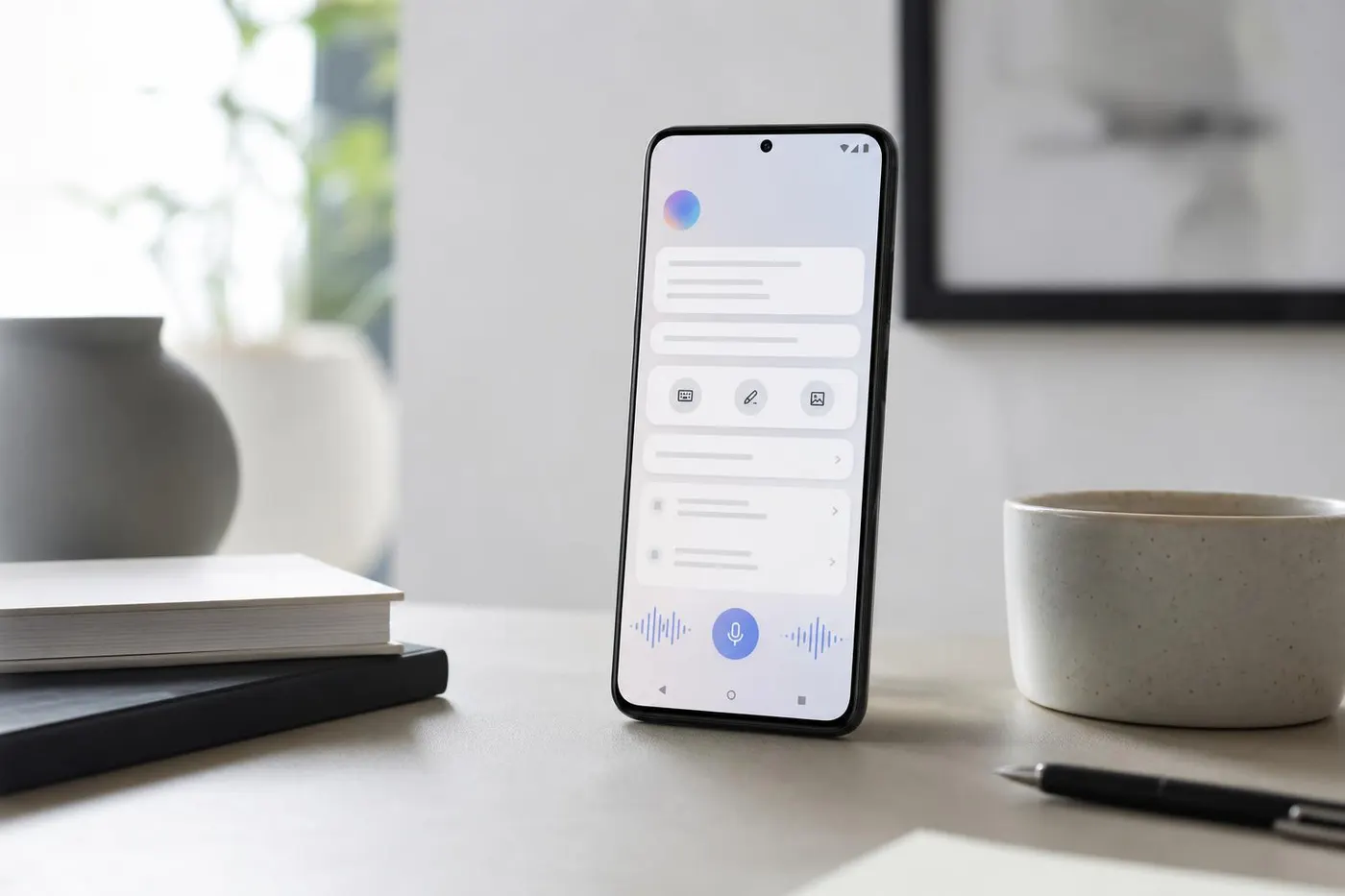
Google used its Android Show on Tuesday, May 12, 2026, to introduce Gemini Intelligence, a new label for a deeper set of AI features coming to Android devices.
The pitch is simple: instead of making people jump between apps, copy details by hand, fill out tiny forms, or build the same home-screen setup everyone else has, Android should understand more context and help complete the task.
That does not mean every Android phone suddenly becomes fully autonomous. Google's own rollout language is cautious. Gemini Intelligence features are expected to arrive in waves, beginning with the latest Samsung Galaxy and Google Pixel phones this summer, with more Android devices and form factors following later in 2026.
For everyday users, the important question is not whether the branding sounds impressive. It is what these features actually do, when they arrive, and how much control users keep.
What is Gemini Intelligence on Android?
Gemini Intelligence is Google's umbrella term for AI features that sit more deeply inside Android. Google describes Android as moving from an operating system into an "intelligence system," meaning the phone is designed to understand more context and help users act on it.
In practice, that means Gemini may appear in more places than a chatbot app. It can show up in Chrome, Autofill, Gboard, widgets, and app automation. The goal is to let a user ask for a result, then have Android coordinate more of the steps in the background.
A normal assistant might answer, "Here is how to order groceries." Gemini Intelligence is meant to move closer to, "I can read the list on your screen, open the shopping flow, add the items, and wait for you to confirm checkout."
That distinction matters. It shifts AI from answering questions to taking actions. It also raises the stakes for mistakes, permissions, and privacy.
The biggest feature: Gemini task automation across apps
The most important consumer feature is task automation. Google says Gemini Intelligence will expand Gemini's ability to complete selected multi-step tasks across apps with user control and transparency.
Google's examples include ordering from a cafe, building a shopping cart from a grocery list, finding information in Gmail, and adding related items to a cart. The company also says screen or image context can make this more useful. If a grocery list is open in a notes app, a user could long press the power button and ask Gemini to build a delivery cart from the items on screen.
The useful part is obvious. Many phone tasks are not hard, just tedious. They require switching between apps, copying names, comparing options, and retyping information.
The risk is also obvious. A phone assistant that can act across apps needs guardrails. Google says Gemini acts on the user's command, stops when the task is complete, and leaves the final confirmation to the user. That final confirmation step is important because it gives users a chance to catch wrong items, wrong dates, wrong destinations, or unwanted purchases.
For readers, the practical advice is simple: treat early task automation as a helper, not a replacement for checking the details.
AppFunctions could matter even if most users never see the name
Google also highlighted AppFunctions for developers. This is not a consumer-facing feature in the same way Chrome help or custom widgets are, but it could shape how useful Gemini becomes inside apps.
AppFunctions lets developers expose specific app services, data, and actions to Android and AI agents using natural language descriptions. That means an app can give the system more structured ways to perform actions, instead of relying only on screen reading or generic automation.
Why should regular users care? Because AI helpers are only as useful as the actions they can perform safely and reliably. If more apps support structured actions, Gemini may become better at doing the right thing in those apps. If support remains limited, task automation may feel impressive in demos but inconsistent in daily life.
For now, this is a watch item. Google's developer blog says AppFunctions are in early testing and private preview with selected partners, with an Early Access Program for fuller integration.
Gemini in Chrome comes to Android
Google says Gemini in Chrome will come to Android starting in late June. The feature is meant to help users research, summarize, compare information, and ask questions about what is on a webpage.
That could be useful in ordinary moments: comparing travel options, summarizing a long product page, checking details in a policy document, or turning a confusing article into a short answer.
Google also referenced Chrome auto browse, which can take care of some web tasks, such as booking an appointment or reserving parking. The Verge reported that auto browse will be tied to Google's AI Pro and Ultra plans when it begins rolling out on Android.
This is one area where readers should watch the fine print. Summaries can be convenient, but they can also miss details. For important purchases, travel bookings, medical portals, school forms, or anything involving money, users should still open the original page and verify dates, prices, names, and terms before submitting.
Smarter Autofill could save time, but privacy settings matter
Autofill is one of the most practical Android features to get Gemini help. Google says Autofill with Google will use Gemini's Personal Intelligence to complete more complex forms across apps, including Chrome.
The company says connecting Gemini to Autofill is strictly opt-in and that users can turn the connection on or off in settings. That matters because advanced autofill may draw from connected information in Google services or apps to find the right details.
The upside is clear. Mobile forms are painful. Anything that reduces typing on a small screen can save time.
The tradeoff is also clear. The more personal context an assistant can use, the more carefully users should review settings. Before enabling a feature like this, Android users should ask:
- What account is connected?
- Which apps or data sources can Gemini use?
- Can the feature be turned off quickly?
- Does the form contain sensitive personal, financial, medical, school, or work information?
- Is the autofilled answer correct before submission?
For routine forms, smarter autofill could be genuinely helpful. For sensitive forms, users should slow down.
Rambler brings AI cleanup to Gboard dictation
Google also announced Rambler, a Gemini Intelligence feature for Gboard. The idea is to let users speak naturally while the system turns the result into cleaner written text.
Anyone who uses voice typing knows the problem. Spoken thoughts include filler words, restarts, half-sentences, and corrections. Rambler is meant to remove that friction by converting messy speech into more polished text while keeping the user's meaning.
Google says Rambler will clearly show when it is enabled, that audio is used for real-time transcription, and that the audio is not stored or saved. The company also says Rambler can handle multilingual speech in the same message.
This could be one of the more immediately useful features if it works well. It is less flashy than cross-app automation, but it solves a common daily annoyance: turning a spoken thought into a message that does not need heavy editing.
Create My Widget turns natural language into Android widgets
Create My Widget is Google's move toward what it calls generative UI. Instead of choosing from prebuilt widgets, users describe what they want and Gemini builds a custom widget.
Google's examples include a meal-prep widget that suggests high-protein recipes every week and a cyclist's weather widget that shows wind speed and rain. Google says the widgets can be resized for the phone home screen and can also work on Wear OS watches.
This is interesting because widgets are already one of Android's strengths. If Gemini can generate useful, lightweight dashboards from plain language, Android home screens could become more personal without requiring users to configure every detail manually.
The open question is quality. A good widget is glanceable, reliable, and not too busy. A bad AI-generated widget could be cluttered, inaccurate, or just another novelty. Tadpost's watch test is whether Create My Widget becomes something people keep using after the first week.
Which phones get Gemini Intelligence first?
Google says Gemini Intelligence will start rolling out with the latest Samsung Galaxy and Google Pixel phones this summer. The company also says the features will come to more Android devices, including watches, cars, glasses, and laptops later in 2026.
That means users should not assume all Android phones get every feature on day one. Device hardware, Android version, region, app support, Google account settings, subscription level, and staged rollout timing could all matter.
If you use Android, the safest expectation is this:
- Newer Pixel and premium Samsung Galaxy models are first in line.
- Some features will appear before others.
- Some features may require opt-in settings.
- Some advanced web automation may depend on paid AI plan access.
- Older or lower-cost Android phones may wait longer or receive a smaller feature set.
Google I/O 2026, scheduled for May 19 and 20, may add more detail about developer support, rollout timing, and how these features connect with the next Android cycle.
Why this matters beyond one Android update
The Gemini Intelligence announcement matters because it shows where Google wants Android to go. The phone is no longer just a grid of apps. Google wants AI to become the connective layer that reads context, coordinates apps, fills gaps, and surfaces personalized information.
That direction could make phones easier to use. It could also make people more dependent on the assistant layer that sits between them and their apps.
If Gemini becomes the fastest way to order, book, summarize, fill out, search, and message, users may spend less time inside individual apps and more time asking Android to do things for them. That could change app discovery, mobile commerce, search behavior, and how developers design app features.
It also creates a trust challenge. Users will need to know when Gemini is reading the screen, when it is using personal context, when it is acting on their behalf, and when it needs final approval.
What Android users should do when the features arrive
When Gemini Intelligence features show up on your phone, do not turn everything on blindly. Start with the low-risk features first.
A practical rollout approach:
- Try Rambler or Gemini in Chrome on non-sensitive content.
- Test Create My Widget with simple personal dashboards, like weather, calendar, or meal ideas.
- Review Autofill settings before connecting Gemini to personal data.
- Use task automation for low-stakes tasks first.
- Always check carts, dates, prices, addresses, names, and payment details before confirming.
- Revisit permissions if the assistant feels too intrusive.
The best AI phone feature is not the one that does the most. It is the one that saves time without making the user less careful.
FAQ
Is Gemini Intelligence the same as the Gemini app?
Not exactly. The Gemini app is a place to chat with Google's AI assistant. Gemini Intelligence is a deeper set of Android features that can appear across the phone, including task automation, Chrome, Autofill, Gboard, widgets, and more.
When does Gemini Intelligence come to Android?
Google says the features will roll out in waves starting with the latest Samsung Galaxy and Google Pixel phones in summer 2026. Broader Android device support is expected later in 2026.
Will Gemini Intelligence work on every Android phone?
Not at first. Google specifically named the latest Samsung Galaxy and Google Pixel phones for the first wave. Availability may vary by device, region, feature, account settings, and rollout timing.
Does Gemini complete purchases automatically?
Google says users remain in control and that Gemini leaves the final confirmation to the user. That means users should review any cart, booking, or form before approving it.
Is Gemini Autofill required?
Google says connecting Gemini to Autofill with Google is opt-in and can be turned on or off in settings.
What should users be careful about?
Check permissions, avoid using early automation for sensitive tasks until you trust it, review all autofilled information, and verify AI summaries against the original source when the details matter.
What to watch next
The next major checkpoint is Google I/O 2026 on May 19 and 20. Watch for clearer answers on supported devices, developer APIs, app partners, privacy controls, subscription requirements, and whether Gemini Intelligence remains limited to premium Android devices or spreads quickly across the broader ecosystem.
For now, Gemini Intelligence looks less like one feature and more like Google's new direction for Android: fewer manual steps, more AI context, and a bigger responsibility for users to understand what their phone is doing on their behalf.
Sources
- Google Keyword Blog, A smarter, more proactive Android with Gemini Intelligence. Used for Google's official feature descriptions, rollout language, task automation examples, Chrome timing, Autofill opt-in language, Rambler details, and Create My Widget examples.
- Android Developers Blog, Building for the Intelligence System on Android. Used for AppFunctions, developer support, structured app actions, and cross-form-factor context.
- The Verge, Gemini's latest updates are all about controlling your phone. Used for independent consumer-tech context, premium-device framing, and rollout caveats.
- TechCrunch, Google brings agentic AI and vibe-coded widgets to Android. Used for independent confirmation of Android Show features, summer rollout, Chrome timing, and user confirmation details.
- Google I/O 2026. Used for the upcoming I/O timing reference.